
 By Callum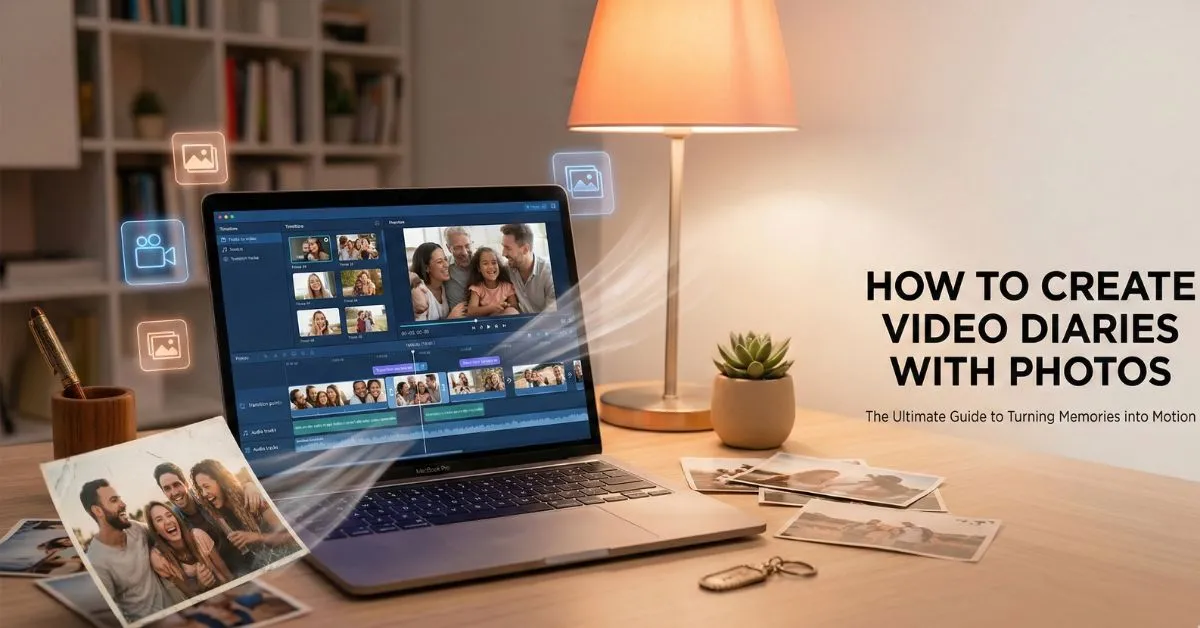
Turning your photo collection into a video diary is a fantastic way to relive memories and share your story with others. You can easily turn a photo into a video with simple tools that add motion, music, and personal narration to your pictures. This article will guide you through the process of creating your own video diaries using photos, enabling you to craft a dynamic and engaging story that brings your memories to life.
A video diary is a personal, multimedia journal where you capture moments and thoughts through a combination of photos, videos, and narration. Unlike a traditional photo album, a video diary allows you to tell a richer story, complete with voiceovers, music, and effects that enhance the emotional depth of the memories. It’s a unique and creative way to document and reflect on your life’s journey.
Turning photos into videos brings a layer of engagement and storytelling that static images can’t provide. Here are some reasons why converting your photos into videos is a great idea:
- Enhanced Engagement: Videos capture attention better than still images. The addition of movement, effects, and music keeps viewers hooked.
- Improved Storytelling: While photos can capture a moment, videos allow you to add context, narration, and emotions, offering a more complete story.
- Easy to Share: Videos are easier to share on social media platforms, allowing your memories to reach a larger audience.
- Creative Flexibility: With the ability to add text, music, voiceovers, and transitions, you can make each video diary uniquely yours.
Gather the photos you want to include in your video diary. These could be from a vacation, a family celebration, or even your everyday life. The quality of your photos will determine how polished the final video will look, so ensure that you pick high-resolution images.
To turn photos into video, you’ll need a platform that supports this feature. Invideo lets you upload your images, customize the video with transitions, music, and voiceovers, and gives you full control over the creative process.
Once you’ve chosen a platform, it’s time to upload your images. Most tools allow you to simply drag and drop your photos into the platform’s interface. You can upload all your photos at once, or do it in batches for easier management.
Many platforms offer pre-designed templates tailored to video diaries. These templates arrange your photos in a stylish, polished way, but you can also start from scratch for full customization. Templates are great if you’re looking to create something quickly, but starting from scratch gives you complete creative control.
Transitions between your photos help create a smooth visual flow. Experiment with different effects like fades, slides, or zoom-ins to add variety and keep your video visually interesting. Effects can make still images come to life and enhance the overall cinematic quality of your video.
Music plays a significant role in setting the mood of your video diary. Choose a background track that complements the theme of your video, whether it’s uplifting, emotional, or reflective. Many platforms provide a library of royalty-free music to choose from, or you can upload your own.
Text and captions can provide context for your photos, such as dates, locations, or small anecdotes. You can add titles to specific photos to help tell the story and provide additional information. This makes your video feel more like a personal narrative.
Adding a voiceover narration will make your video diary even more personal. You can describe the story behind each photo, share your emotions, or offer reflections. A voiceover turns your video into a deeper, more intimate experience.
After adding all your elements, preview your video. This is the time to adjust the timing of the transitions, fine-tune the music, and make sure everything flows seamlessly. Editing ensures that your video is polished and cohesive.
Once you’re happy with your video, export it. Choose the resolution that best suits your needs, and select the appropriate file format. From there, you can easily share your video diary on social media platforms like YouTube, Instagram, or Facebook, or save it for personal use.
- Be Selective with Your Photos: You don’t need to use every photo. Select the best ones that tell your story or evoke strong emotions.
- Choose the Right Music: Music is a powerful tool for setting the tone of your video. Make sure your track complements the mood of the photos.
- Keep It Short: Video diaries should be engaging but not overwhelming. Aim for 3-5 minutes to keep your audience’s attention.
- Use Slow Motion for Key Moments: Slow-motion effects can highlight significant moments, making them stand out in your video.
- Don’t Overload with Effects: While transitions and effects are important, too many can distract from the message. Use them sparingly.
Turning photos into videos allows you to create a more dynamic and engaging representation of your memories. While photos capture a single moment, videos let you add context, emotion, and motion. You can tell a complete story, incorporating music, voiceovers, and transitions to bring each photo to life.
The process is simple, especially with the right platform that makes photo-to-video creation accessible and easy. Whether you’re documenting a family event, a trip, or just your daily life, turning photos into videos allows you to relive those moments in a more meaningful way.
Creating video diaries from photos is an exciting and creative way to preserve memories. By using a user-friendly platform, you can turn your photos into stunning video stories that incorporate music, narration, and effects. Whether you’re making a memory montage or documenting special life moments, video diaries offer a unique way to reflect on and share your experiences.
So, gather your favorite photos and start creating! Turn your photo into a video with the help of this platform, and transform your memories into an unforgettable video diary.
 admin
admin