
 By admin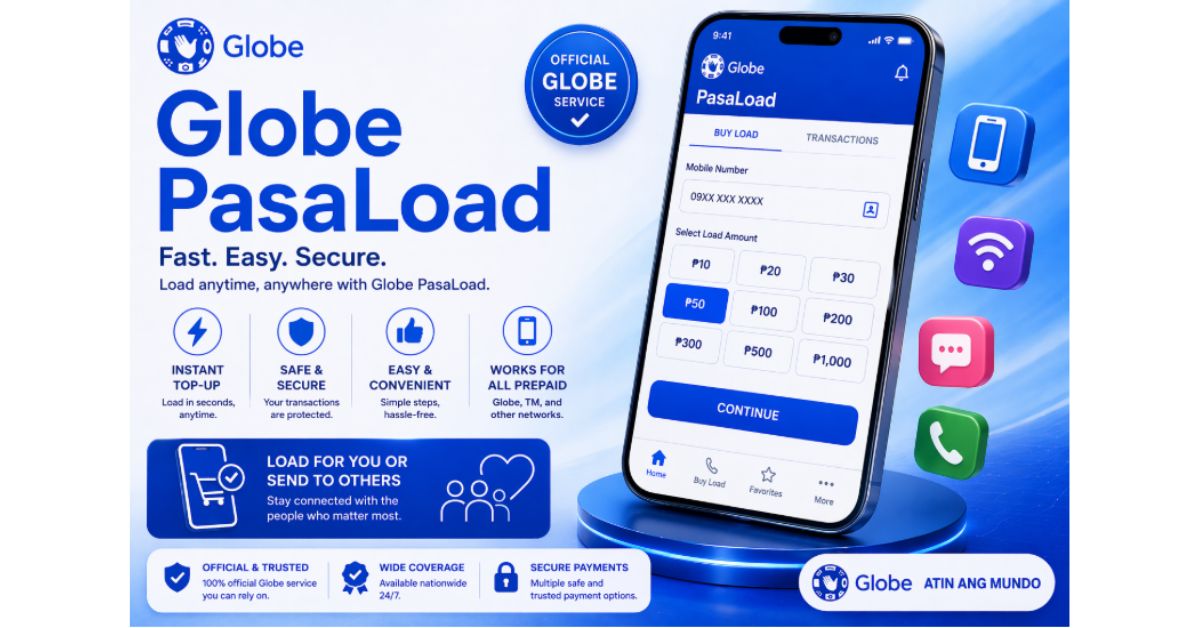
If you’re looking for a detailed, step-by-step guide on how to share load in Globe, this is exactly what you need. Whether you want to help a friend in an emergency or transfer extra balance, Globe Pasaload makes it fast and simple.
This guide covers everything—methods, formats, limits, fees, errors, pro tips, and real examples so you don’t make mistakes.
Globe Pasaload is a service that allows prepaid users to transfer load (credits) from one Globe or TM SIM to another.
It works on:
- Basic phones
- Smartphones
- Even without internet
That’s why it’s one of the most useful features for prepaid users.
You can share load if:
- You are a Globe prepaid user
- You are a TM (Touch Mobile) user
- Your SIM is active
- You have enough balance (including transfer fee)
Make sure you have:
- Active Globe/TM SIM
- Enough balance (load + fee)
- Correct recipient number
- Network signal
This is the easiest and fastest method.
- Open your Messages app
- Type this format:
AMOUNT <space> 10-digit mobile number
Example:
50 9171234567 - Send it to:
2 + 10-digit number
Example: 29171234567 - Wait for confirmation message
- Reply YES to confirm
- Load is transferred instantly
- Both sender and receiver get SMS confirmation
If you don’t want to type SMS, use USSD.
- Dial *143#
- Select My Account
- Tap Share Load / Pasaload
- Enter recipient number
- Enter amount
- Confirm
You can also use the official mobile app:
- Download GlobeOne
- Login to your account
- Go to Load / Share section
- Enter number and amount
- Confirm
This method is useful if you prefer a modern interface.
Here’s the correct format again:
SMS Format:
AMOUNT <space> NUMBER
Send To:
2 + NUMBER
| Action | Value |
| Send Amount | 100 |
| Receiver | 09171234567 |
| Message | 100 9171234567 |
| Send To | 29171234567 |
- Service fee: ₱1 per transaction
- Minimum transfer: ₱1
- Maximum per transaction: ₱150
- Daily limit: Around ₱500 (may vary)
- Works only for Globe & TM
- Cannot be reversed once confirmed
- Must reply YES to complete
- Type: 20 9171234567
- Send to: 29171234567
- Type: 100 9171234567
- Send to: 29171234567
Cause: Wrong format or number
Fix: Use 10-digit format (no 0 at start)
Cause: Not enough load
Fix: Add extra ₱1 fee in balance
Cause: Network delay
Fix: Wait or resend
Cause: System issue
Fix: Try again after a few minutes
Before doing anything, confirm your globe sim registration.
- Always double-check the number
- Never send load to unknown users
- Keep extra balance for fees
- Use *143# if SMS fails
- Avoid sending repeatedly in short time
- Works without internet
- Instant transfer
- Very easy to use
- Useful in emergencies
- Small fee per transaction
- Transfer limits apply
- Cannot reverse mistakes
No, it only works within Globe and TM.
No, there is a small ₱1 fee.
No, once confirmed, it cannot be undone.
Almost instant after confirmation.
Now you fully know how to share load in Globe using all available methods—SMS, *143#, and the GlobeOne app.
The SMS method is the fastest, while *143# is the easiest for beginners. Just remember the format, confirm properly, and double-check the number.
If you follow this guide, you’ll never make a mistake while sending load.